
Blog

Simplifies.
The behavior of the color algorithms varies according to the workspace, and to perform color correction, a cc variant of ACES is best, which is similar to the logarithmic space, very familiar to those who worked in Digital Intermediate ecosystems (DI) via Kodak Cineon. The grading functions for movies are no longer the classic video, such as Lift Gamma Gain (LGG), being replaced by Offset, Contrast, and Pivot.
In DVR, the "Log" functions for trackballs are those indicated for ACEScc.
This change usually bothers colorists who feel that in their trade they have already learned everything, and it turns out that the work they do so well with LGG - known as Telecine Style - in ACES does not get the results they expected. You have to migrate to DI Style.
After this point, ACES simplifies the exchange between color or VFx applications, thanks to the fact that this color management is open source, which facilitates its support by almost all software developers, and a large number of hardware manufacturers.
ACES is free, and anyone can support it.
VFx's roundtrip is now perfect.
Summing up, ACES facilitates monitoring, the starting point of grading, the compatibility between applications, the roundtrip with VFx and the multi-mastering process.
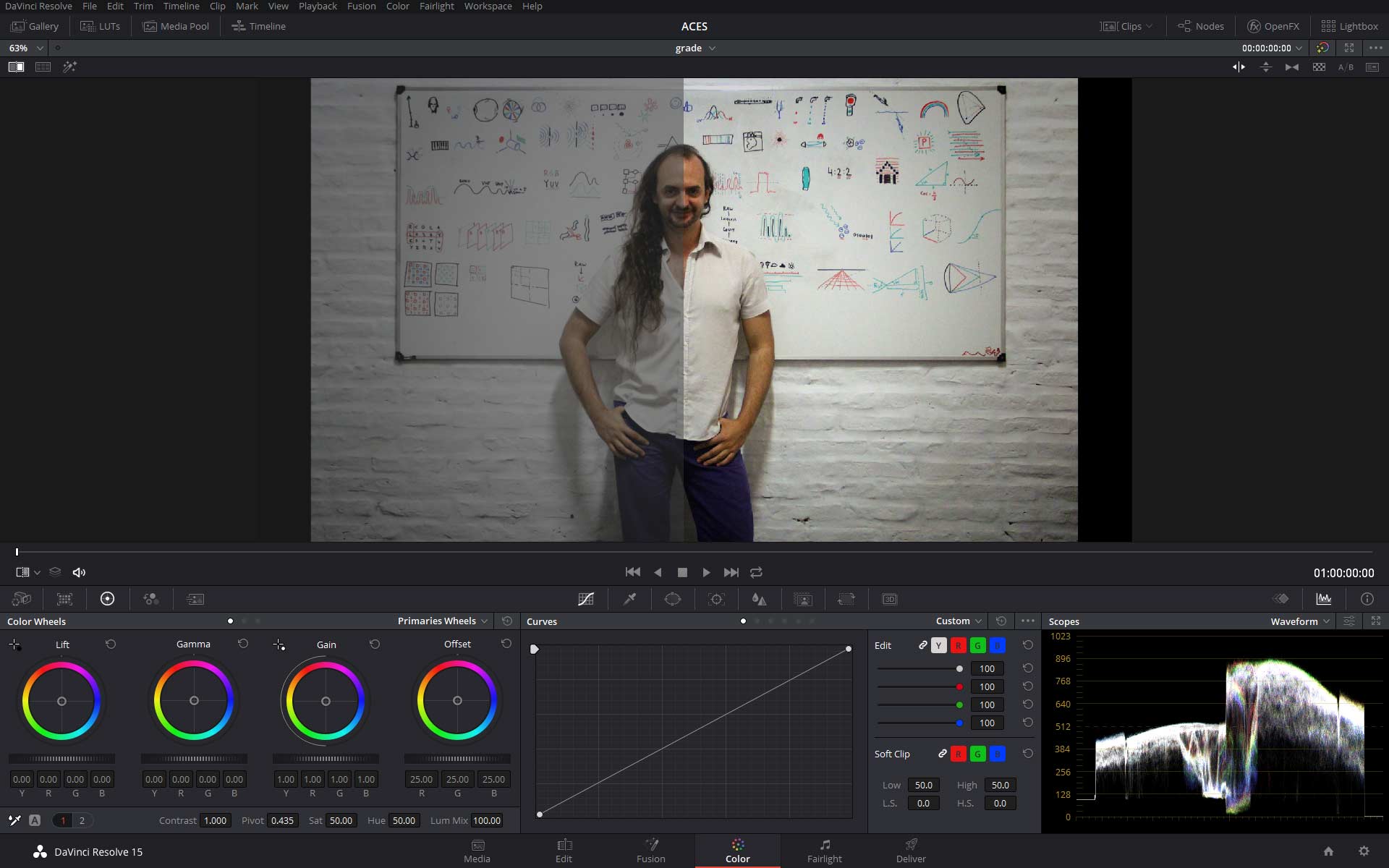
Since I understand Color Management, I realized that I was implementing a bad practice about how I was worked with Log encoded files, like Log-C, S-Log and others. And also the bad interpretation that I made too with reading Raw files.
In general I supposed incorrectly that the Log encoding must be undone manually, so the starting point of the color work was this “washed” material, “flat”, or “without contrast and saturation”.
Also I didn’t suppose additionally that those material uses primary colors that not necessarily were the RGB primaries of my HD monitor, but some very differents, which defines the native camera’s gamut.
A common and very propagated error in professional scopes, and inclusive in youtube channels that teach this incorrect procedure, is to do a “manual” correction over the Log values, by using a curve or adjusting gamma and other correction values directly over the original material. By this way the native gamut is lost, and also the original exposure are interpreted incorrectly.
Since using Display Referred working spaces, like projects or timelines as Rec.709, exist the option to make the material transformation with mathematical transforms like in Resolve with his OpenFX “Color Space Transform”, from that can be defined as input the native color and encoding of the material, so that can be converted to the timeline colorspace.
In Scratch is a little different, because the application can change the working space on every editing event, so in the same timeline can coexist different working spaces like ACES, P3, 2020, 709, etc. The Scratch settings can be changed from the Media/Data format menu.
People that work with Mistika or Baselight can be clearer the color management, because is more explicit in comparison with other platforms.
Implementing ACES like color manager, simply selection as IDT the gamut and encoding, the footage are converted to ACES, which will be transformed again to 709.
In case of Raw files, that identification do not be necessary thanks to the Raw’s metadata.
At first look the transformation could seems overexposed, and that is corrected from the ISO value of the Raw, or for Log files from the color correction, by modifying Offset. This way the high dynamic range is rolling off to the display’s dynamic range that we are using, taking the advantage from the differences between the two ranges, which is equal of the appearing of the “latitude”: the correctable difference between the ranges of capture and visualization, being the second one shorter.
The Raw files reading from Display Referred projects like a 709 timeline, make enable the reinterpretation of the media by the same Raw decoder, which permits the transform directly to 709. This will be the “fair” way to start the Grading in case of select this color pipeline based on the display's reproduction properties. Other output spaces will be available, so the own Raw decoder makes the transforms to other working spaces with different gamuts and “gamma” values (a confusing term, because a transfer function is not just an exponential value, but mixed), anyway this parameters are inhibited from the decoder since you are using a color management from the application, so the lineal Raw codification will be downloaded and with the native gamut to the working space.
Symptom of misunderstanding of color management is the famous demo reel of the colorist that shows the “before/after” where the before is the Log encoding. This supposes that the Log decoding are not undone with the proper inverted transformation (-OETF), but undoning the apparent low contrast of the Log encoding supposes an skill of the Colorist, which is a conceptual mistake.
This common error is easy to fix, by understanding how the color management tools are used, included in every color grading applications.